 ChromaCard™
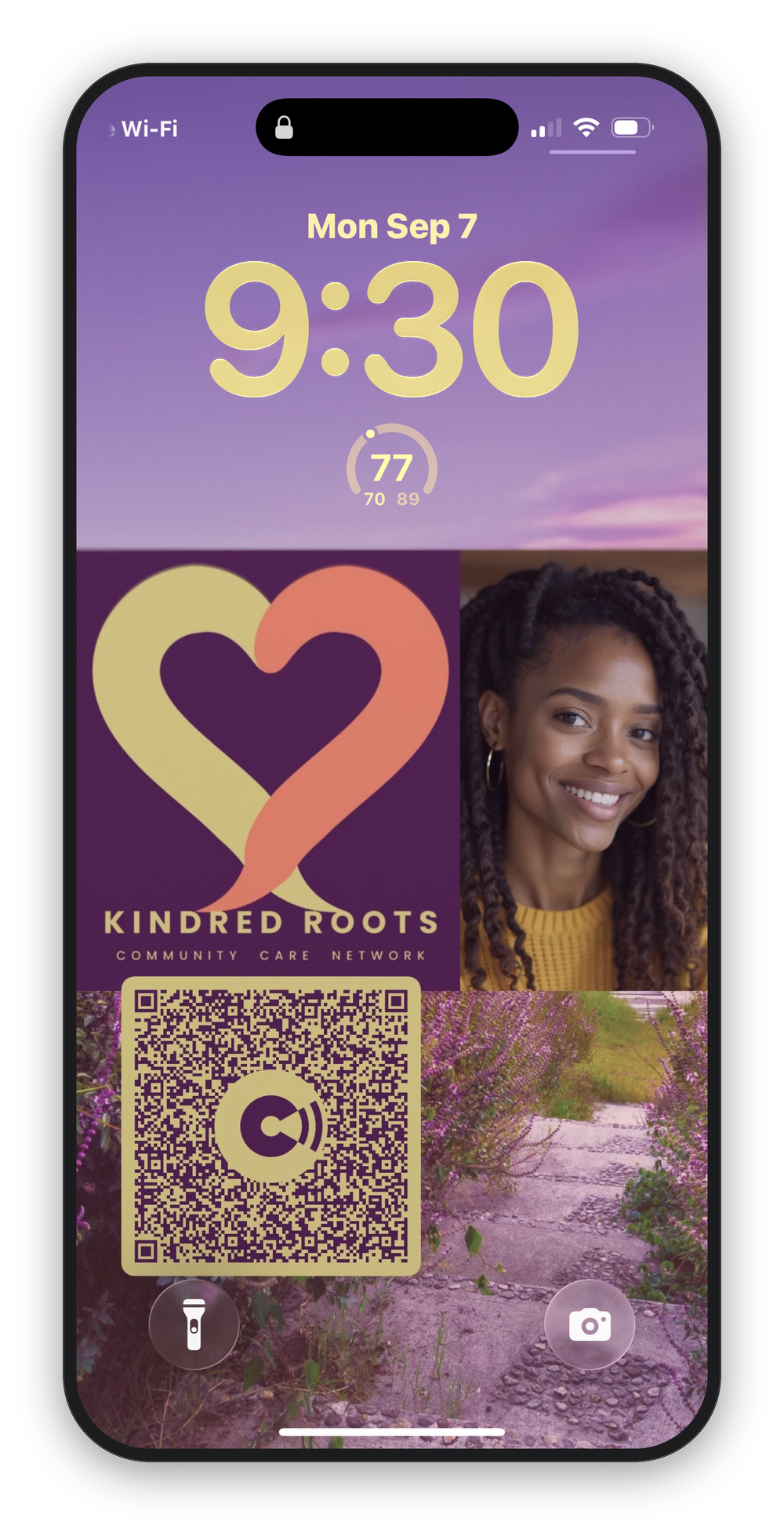
Your business card lives on your Lock Screen.
Someone points their camera at your phone and your contact card lands in theirs. Nothing for them to install.
Built for iPhone. In TestFlight beta now.
What happens when someone scans it
The QR code holds your contact information. Their phone reads it and offers to save it. That's the entire interaction. They don't download an app, they don't sign in, and they don't get sent to a website first.
It works with the camera app on their phone, iPhone or Android, and it works in airplane mode.
It should look like you
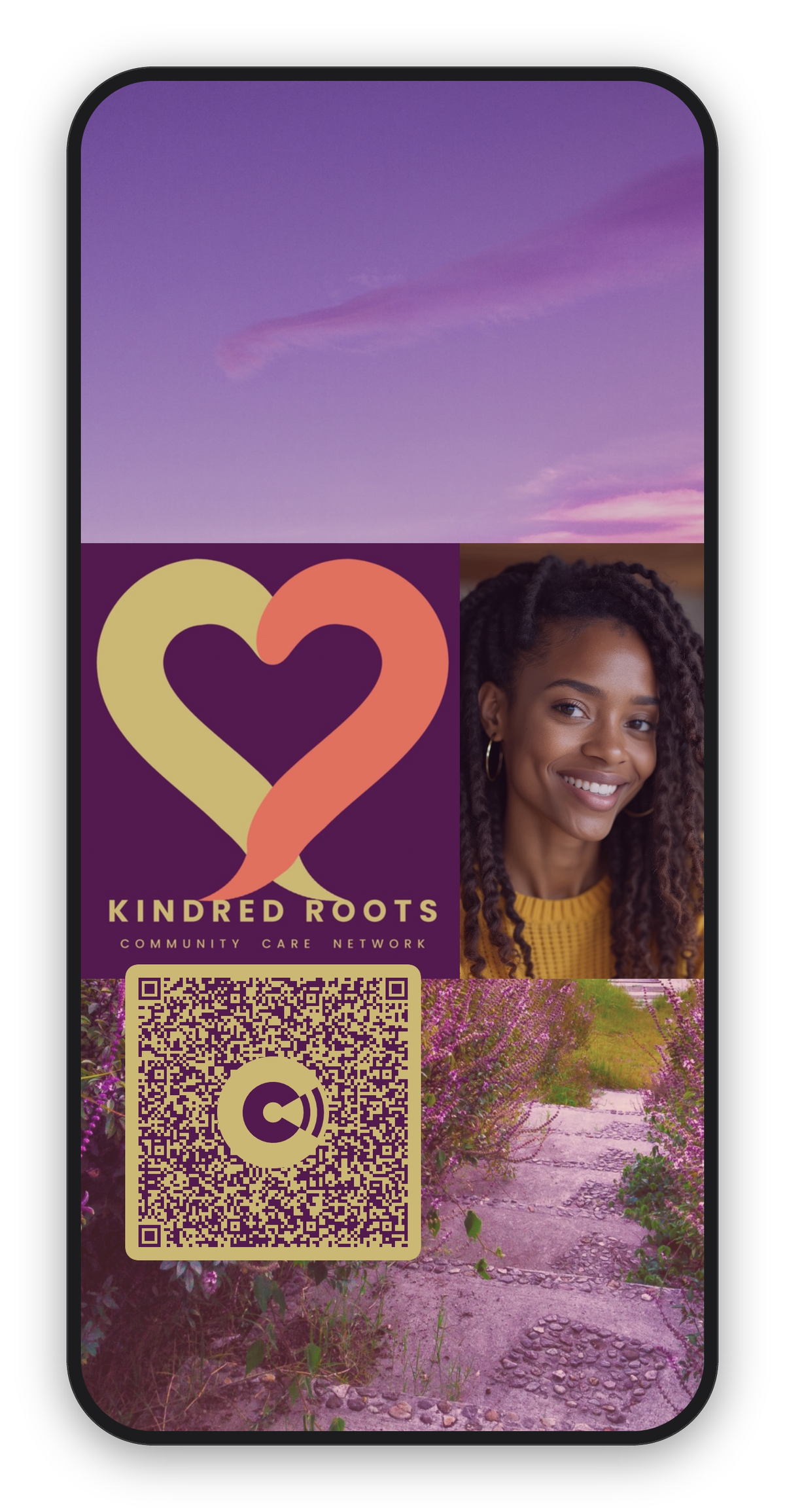
Add your logo, or a photo, or both. The app pulls the colors out of whatever image you give it and builds a palette around them, right on the phone, then checks that the QR code still reads against the background you picked. Position the code where you want it. Save the card to your photos and set it as your wallpaper.
Where the code points
Unlike every well-funded app in this category, ChromaCard doesn't point its QR code at a server. That's where the analytics live, along with the lead capture and the upsell to a CRM seat. It's a rational business decision.
With ChromaCard, contact details are encoded directly in the pattern. That one decision is why the scan needs no app, no account, and no internet connection on either end. It also means there's no server sitting between the two phones with something to sell.
No servers. No accounts. No tracking.
- No signup screen. Open the app and start building your card. Nobody asks for an email, a password, or who you are.
- Your card lives on your phone. Not someone else's server.
- Every line of the app is Apple's own code. No analytics library, no third-party SDK, nothing else running.
- Photos get scrubbed. Anything you import is re-encoded before it's saved, which strips the GPS coordinates, the timestamp, and the camera data.
- One tap resets everything. Cards, settings, all of it, gone in a second.
Same rule out here. This page sets no cookies and loads nothing from anybody else's server. Open your browser's inspector and check. The web server keeps a standard access log, the way every web server does. Nothing else watches you.
Patent pending.
Join the waitlist
ChromaCard runs on iPhone. There's no Android build yet, and knowing how many people are waiting on Android is the clearest signal for prioritizing it.
Confirmation comes from waitlist@chromacard.app.
That's the only thing the address gets used for.
Common questions
Does the person receiving my card need to install anything?
No. They point their phone's camera at the QR code and their phone offers to save the contact. No app, no browser redirect, no follow-up prompts.
Is ChromaCard available on Android?
A card scans correctly on Android phones already. That part is confirmed. Installing the ChromaCard app to build a card is iPhone-only for now.
Does ChromaCard store any of my data in the cloud?
No. Contact details, cards, and photos stay on the device. There's no server, no account, and no sync between devices.
What happens to photos I import, like a logo?
They're re-processed before saving to strip hidden metadata, including GPS location and timestamp. The image itself is unchanged. The metadata isn't.
Is there a fee to join the waitlist?
No. Joining only takes an email address and which phone platform is being used.
How is this different from other digital business card apps?
Most other apps encode a link back to their own server. That's how they see who scanned the card and build a database from it. ChromaCard's QR code holds the contact information itself, so there's nothing on ChromaCard's side to see.